Not much happened today, but I spent some time visiting my father and his wife. They live in a small, remote town that seems almost forgotten by time. There’s a store where the roads meet, but it closed years ago. The area is notorious for its lack of cell signal, so every visit is an opportunity to disconnect—literally. For miles around his place, I can’t get any service, which meant I had to focus on improving the reliability of my site when an internet connection is unavailable.
Improving Site Reliability for Offline Use
While visiting, I worked on my site’s reliability in offline scenarios, aiming to handle situations when content can’t be loaded. Running a web browser with throttling set to “None” also prevents the localhost website to fail to load, so testing without an actual connection actually revealed something different to me. Part of the process involved displaying error messages when assets fail to download and changing colors. One of the things I noticed was that some of my icons weren’t loading correctly. Everything where I used:
<Icon>edit</Icon>
failed to show up. However, the SVG icons from @mui/icons-material were displaying just fine. After some investigation, I realized that the issue was due to the <Icon> tag relying on a Google Font loaded from an external resource—which, without internet access, I couldn’t reach. Google Fonts provide more icons, especially the newer Material Symbols, which are a big step up from the deprecated Material Icons. Now I’m stuck in a bit of an odd situation, preferring to use the new symbols, but wondering how to handle the inconsistency when offline.

Fiber Internet in the Middle of Nowhere
To my surprise, Dad’s WiFi is on fiber—right in the middle of nowhere. I mean nowhere. He lives in what most people would call a dead zone. The valley is surrounded by trees, and options for internet service are severely limited. Before getting fiber, my dad had satellite or dial-up internet, neither of which worked well.
For years, his connection issues persisted. The internet company originally blamed his in-home WiFi and gave him two extenders. That didn’t fix the problem, so they dug deeper and eventually decided to run fiber to his property.
After they ran fiber to his property, my dad noticed that the connection was still unreliable. Being persistent, he convinced the company to replace the copper wiring that ran about a mile from the property line to his house. For me, the company runs fiber directly to my home, but in his case, they only ran it to the property itself.

Microsoft Designer: Image Creator Prompt
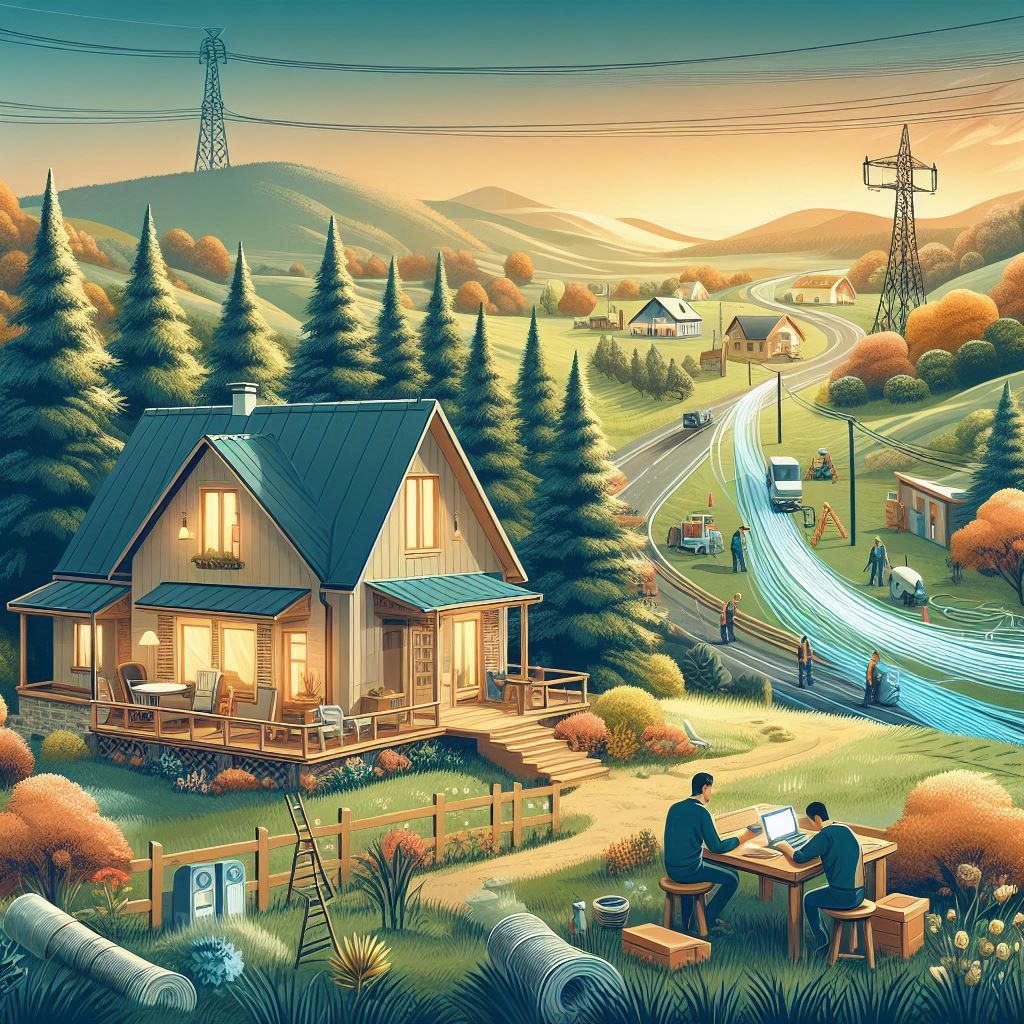
Create a scenic rural landscape that illustrates the theme of remote living. In the foreground, depict a cozy house with a modest garden, surrounded by dense trees and hills. Include a person working on a laptop outside, symbolizing connectivity challenges. In the background, show a fiber optic cable installation process, with technicians at work. Add elements like a winding road leading away from the house and a distant small town. The atmosphere should convey a sense of solitude but also the promise of modern technology overcoming isolation.
The Logistics of Installing Fiber in a Dead Zone
I’m still amazed that he has fiber, as most tech professionals I know have had to pay high costs to get fiber installed in remote areas. The cost to install fiber just for one person in a rural area must have been astronomical unless the company had a subsidy or grant for serving dead zones. It’s possible that industry regulations play a role, requiring reliable service or facing fines.
The Struggles of Dial-up Internet
Before fiber, it was painfully slow to connect to the internet at my dad’s place. This is one reason why I don’t visit often. It was impossible to use GPS or even download updates on his old Windows computer. Windows updates, especially large ones, were out of the question. A file size that’s small for most people—say, 50 MB—was a task his dial-up couldn’t handle.
After learning about error correction and interleaving to improve the quality of data transfer over multi-frequency to prevent the impact of noise bursts over this past summer experimenting with the Web Audio API, I can understand how the quality of his line affected his data speeds.
This experience with data speeds made me hyper-focused on improving load times and code-splitting my websites. Even one megabyte is too large for what he was dealing with, and many libraries today easily exceed that size unless they’re compressed with formats like Gzip or Brotli.
A Wrong Turn on a Dark Road
Today, I made a wrong turn as I was leaving my dad’s place. My phone wasn’t connected to his WiFi, but my laptop was. In the middle of navigating unfamiliar, dark, winding roads, I realized I had no cell signal and couldn’t rely on GPS. I finally got a signal about 25 miles away and stopped for a bite to eat after receiving a flood of notifications. It reminded me of how limited connectivity can disrupt even the simplest tasks, like finding your way home.
Organizing Icons with a New API
When I finally got home, I let the dogs out and started setting up a new database to organize icon sets for my project. I’ve been working on an API that will expose these icons as a web service. Here’s the basic structure I’m working with:
- IconSets: Holds details about the icon set itself (Material UI Icons, Emoji, Material Symbols, etc.).
- Icons: Stores individual icons linked to a set.
- IconTags: Connects icons to multiple tags
- (Action, Apps, Device, Editor, Maps, Media, People).
- IconSetFilter: Filters that can be applied to the set
- Style
- IconSetFilterTags: Tags specifically for filtering as set
- Filled, Outlined, Rounded, Sharp, Two-Tone
- Tags: Lists all available tags for organizing any resource in the database.
This setup will make it easier to manage icons through a web interface and spot any misplaced ones. Exposing it as an API will also let me work with the infinite grid that loads data dynamically and asynchronously, instead of rendering everything at once.
Odd Discovery: Logos in Deprecated Material UI Icons
As I generated seed scripts for the database, I noticed that some icons were in the “Filled” style, but none of the others. On closer inspection, these icons were all brands like Apple, GitHub, Google, and Twitter. It turns out that the older version of Material UI Icons still includes these logos, even though they were removed from the Google repository for legal reasons.

Conclusion
Today was a mix of remote troubleshooting, surprise fiber installations, and getting lost on country roads. Despite these challenges, I made some solid progress on the icon API and learned a bit more about handling icons offline. With better organization and new Material Symbols, I’m excited to push these updates to the project soon!