Drag & Drop functionality can be difficult. For the most part, there are many helper libraries available to make things work. In React, most of those libraries are built on top of React DnD (Drag & Drop). One such library is React Beautiful DnD, which works well with the Material UI components that I am using.

Microsoft Designer: AI Prompt
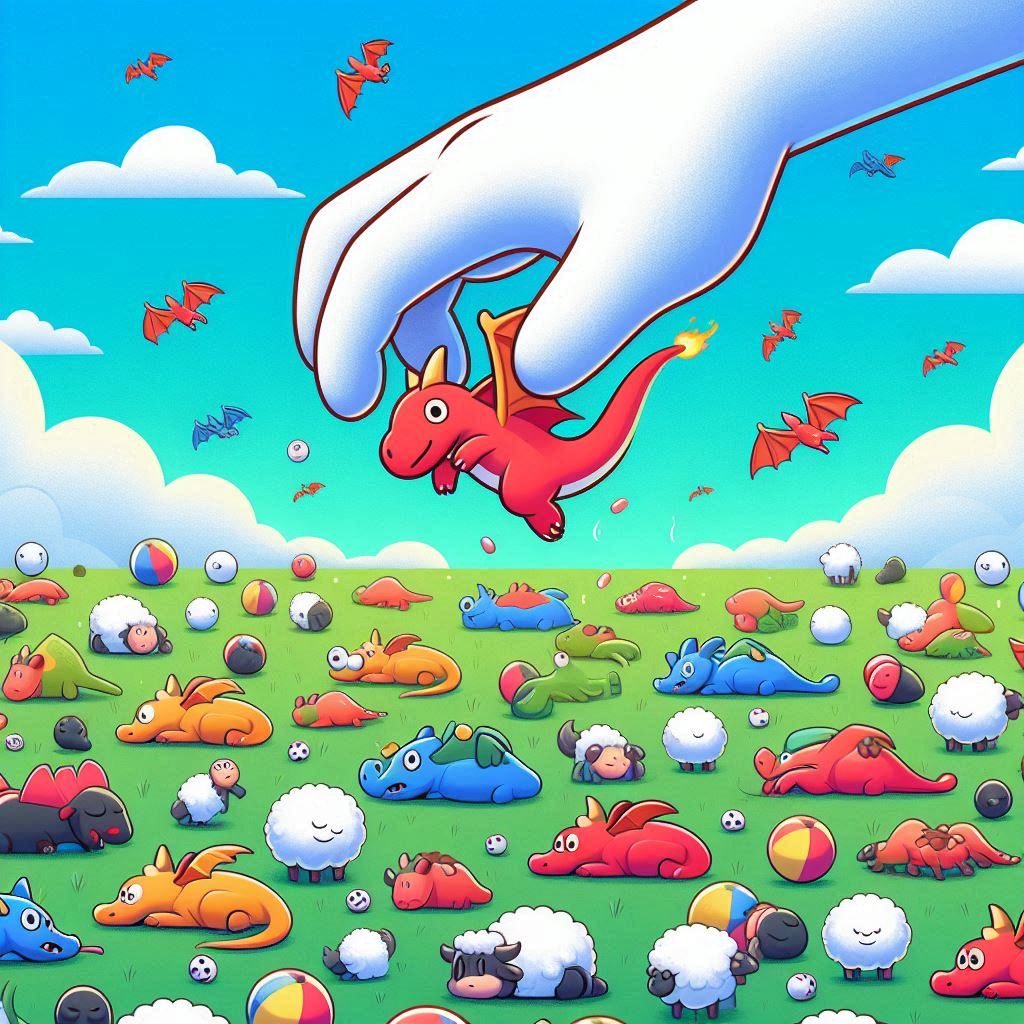
A field full of colorful dragons having fun doing various things like playing ball, sleeping, and chasing sheep. A big floating hand with a white glove and no arm is picking up one of the dragons in the air, and about to place them into a drop zone. This is a play on the words “Drag and Drop”, but as “Dragon Drop”
However, things are not all that perfect. Most examples for react-beautiful-dnd work online, but they are often for a different version of React. Once you make the upgrade to React 18, you run into issues with depreciation warnings and TypeScript problems when using certain attributes on components. The last release was from two years ago for React 16, and Atlassian wrote in the readme that the library is in a maintenance mode in support of its other products.
React DnD
This led me down the path to reviewing React DnD itself. The demo’s and examples are a bit “bare bones”, but its simple enough to work with… almost. The main problem is that it takes a bit of time to wrap your head around what’s “really” going on when you try to do certain things. Here is what I was trying to do:
- Drag a button to reposition it within a list
- Show a “ghost” of the button of where it’s about to be dropped
- Hide the original buttons location
- Show a loading state for any buttons that are being saved in their new positions
There are some cool things I can do now that I worked things out. The main problem that I was running into was dependencies that affected the hooks. None of the examples or documentation mention anything about them – yet they had such a significant impact after I made any change to the order of my components. I discovered the extra argument for dependencies when I started inspecting the signatures of the hooks.
useDrag({
  item,
  type: 'DataItem',
  end(draggedItem, monitor) {
    console.log('item is still', item);
  }
}, [item]); // this dependency is important!

useDrop({
  accept: 'DataItem',
  drop(dragItem, monitor) {
    console.log('item is still', item);
  }
}, [item]); // this dependency is important!
Once that was worked out, I went through many phases of refactoring and modularization until I eventually came up with something that was generic enough that it could be packaged in its own library.
git: @CodeJamboree/dragon-drops
npm: @codejamboree/dragon-drops
The library has four components and three context hooks that expose the common logic that I am working with. If I want to make something draggable, I wrap it in the <Draggable> component. If I want to make it accept things to be dropped onto it, the library has <Droppable>. If I want to manage a list of items that can be reordered with Drag & Drop, there is <Orderable>. Last is the <DragAndDropProvider> at the top of the application that permits Drag & Drop operations to occur.
Content within three of the components can use hooks to get at vital informatiaon.
- Draggable: useDraggable
- drag – pass ref of component being dragged
- preview – ref to part of component to show during drag
- isDragging – component is being dragged
- Droppable: useDroppable
- drop – pass ref of component being dropped
- handlerId – added as data-handler-id={handlerId}
- setRef – pass ref to determine location and height of drop target to determine if items is being dropped before/after drop target in a list
- Orderable: useOrderable<T>
- items – array of items as T[]
- onDraggedOver – callback for <Droppable />
- onDrop – callback for <Draggable />
- onDragCancel – callback for <Draggable />
Here is an animated GIF of the Drag & Drop operation of an Orderable list:

These are List Items with List Item Buttons. You may not spot it at first, but the ripple effect is disabled. I ran into problems where dragging the button would drag a larger part of the screen that included an overlay of the ripple effect. I may look more into why that is happening and how to bring back the ripple effect.
Another thing that I want to do is animate the buttons moving to their new positions with CSS transitions rather than hopping around.
Both of these items are outside the scope of getting the Drag & Drop operations to work. They are more of side-effects as a result of the UI that I’m using, or special UI that I want to be applied.e local and global state, and dispatches an action to make the proposed changes.
On a side note, I also got rollup working to bundle React libraries, which was something I hadn’t ran into yet. TypeScript had to be configured by setting a compiler option of jsx to react. At first I had it as react-jsx, but the bundler had problems accessing the jsx runtime. Rollup also needed the @rollup/plugin-babel library to run after typescript().
import resolve from '@rollup/plugin-node-resolve';
import typescript from 'rollup-plugin-typescript2';
import babel from '@rollup/plugin-babel';

  const plugins: InputPluginOption[] = [
    resolve({ extensions: ['.ts', '.tsx', '.js', '.jsx'] }),
    typescript(),
    babel({
      babelHelpers: 'bundled',
      presets: ['@babel/preset-react'],
      extensions: ['.js', '.jsx']
    }),
  ];
Since I’m fully encapsulating React-DnD and React-DnD-HTML5-Backend, this now allows me to remove those direct references from the main project, and potentially do the Drag & Drop operations manually if I ever run into an issue, similar to the issue I had run into with Redux Saga Routines recently. It’s still disheartening to let a small utility go that I had cherished in the past, but we need to be open to new opportunities.