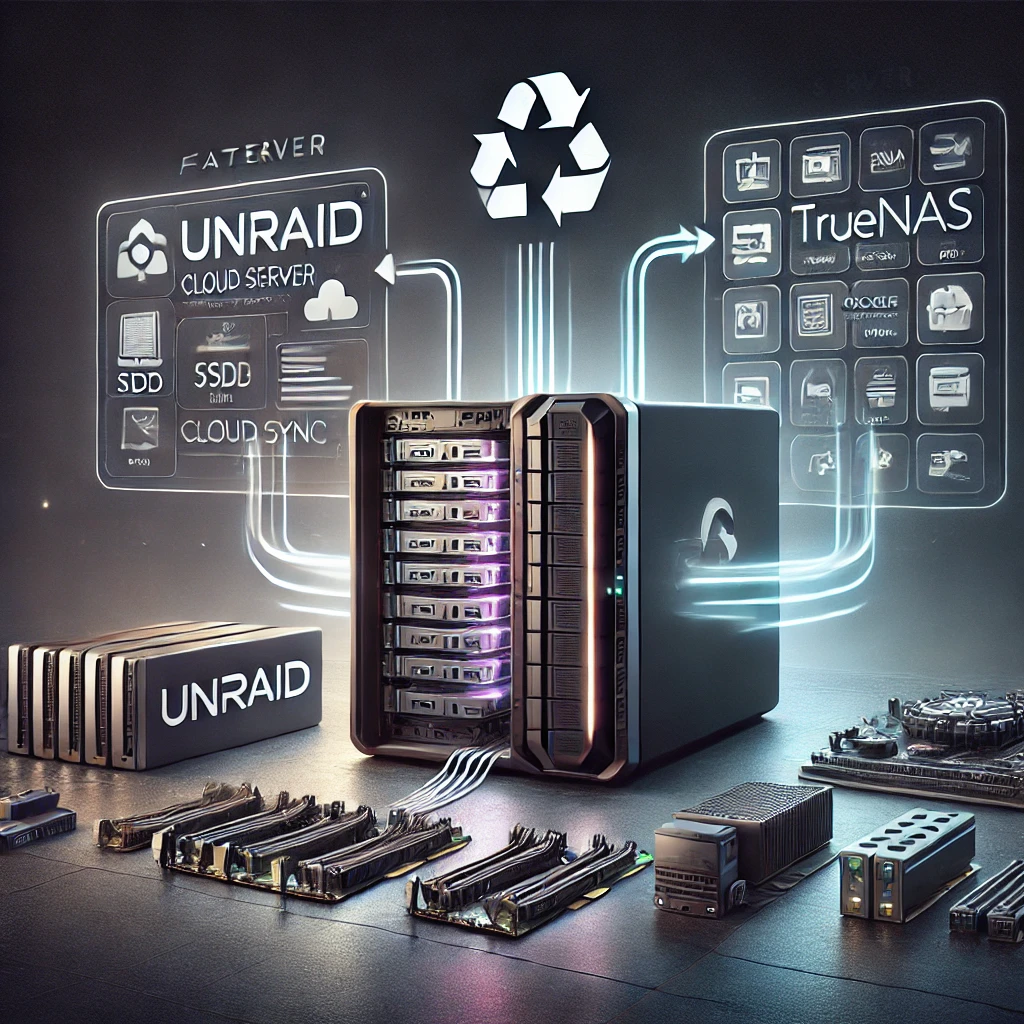
On Monday, I picked up the last three PCs on sale from the “Friends of Samuels” at the Library. They were a bit dustier inside, and one had a Seagate Barracuda Compute drive instead of a Western Digital Blue. I pulled the memory and clock batteries from two of them, then upgraded the Unraid box and one of the new PCs, doubling their memory. I swapped the 500GB drive with a 1TB drive. One of the PCs kept rebooting, so I moved everything to another one and flashed the motherboard to bring it up to date.
I decided to install TrueNAS Scale on the new PC now that it had the recommended 16GB RAM. TrueNAS also had some hardware requirements, including two drives for data and a separate SSD for the OS. I only had one data drive, and the motherboards weren’t compatible with the M.2 SSD I was using for Unraid. I hoped TrueNAS might work with one drive since Unraid handled it, but decided to wait for a PCIe to M.2 adapter for my 1TB SSD.
In the meantime, I spent two days troubleshooting Unraid Dropbox download feature. I tried various Dropbox apps, each with issues—one wouldn’t run due to versioning problems, while another kept asking for authentication without downloading anything. I considered using RCopy (similar to RSync), but the command line and web interfaces were complex. I thought about using rsync from my PC or writing a program to interact directly with the Dropbox API, though it seemed excessive for a simple task. Apparently, Dropbox caused issues a while back by dropping support for certain filesystems, and it looks like the apps haven’t been updated.

I’ve started to get comfortable with Unraid’s apps. I set up Jellyfin, MariaDB, NextCloud, phpMyAdmin, and Minecraft as Docker containers. Normally, I’d set this up through the command line on a Raspberry Pi, but Unraid’s web interface made installation straightforward.
I like how easy it is to add new services, and I even set up Time Machine for my Mac. However, my primary NAS goal is to back up files from cloud services and move away from dependency on them. Without reliable Dropbox integration, I’m falling short on that front.
The PCIe to M.2 adapter arrived today, so I installed TrueNAS on the SSD, and within minutes, it was up and running. I could set up a pool with one drive in striped mode, as I’d hoped. After creating a user account and Dropbox folder, I did some quick research on synchronization. In Data Protection, I added a Cloud Sync Task that guided me through selecting Dropbox as a provider and specifying the folder. It even allowed a dry run before starting, and in a few minutes, TrueNAS achieved what took days in Unraid.
Exploring TrueNAS, I found that many apps were compatible, including a Minecraft server that ran the latest version by default (unlike the Unraid app, which required a manual version update). TrueNAS has fewer built-in apps than Unraid, but I discovered I could add custom apps by specifying Docker image repositories from Docker Hub, which means I can access nearly any app I need. TrueNAS’s curated selection feels high-quality and reliable.
Setting up a MariaDB database server was a breeze—just enter linuxserver/mariadb and it was ready to go. In terms of usability, TrueNAS really outshines Unraid. It’s focused on essential NAS features like cloud file synchronization, which was my main requirement. The apps are a nice extra.
While I was considering Orange for its ability to handle fewer drives and its lower system requirements, I’m leaning towards TrueNAS. It provides everything I need out of the box, is free, and doesn’t require a USB stick for licensing like Unraid. Plus, it has a more professional look. Unraid’s strength, though, lies in its flexibility with different drive sizes and lower memory requirements.
It’s late, so I’ll dive deeper into TrueNAS tomorrow to set up additional services I had on Unraid.