With everything we’ve done. Its time to start on the actual game. Before we do anything, we need to decide on the platform. The end goal is to get this to appear as an App in the Google Play Store and the Apple App Store for easy installation and use on mobile devices. In addition, I want the application to work on common desktop browsers such as Firefox, Chrome, and Safari.
I know how to do web development. I know how to make them available for offline use. The problem is that Apple iOS doesn’t work well with progressive web apps (PWA). I’m under the impression that you need to pay an annual subscription for a developer account, and then pay for a certificate to sign each build of an app, and then pay for each deployment onto the app store which has to go through a lengthy review process. On top of that, they take a large chunk of change if you sell the app or anything within the app. It always felt cost prohibitive for simply testing to see if things work.
Normally you would need to use Object-C/Swift for iOS development, and Java for Android development. Rather than having to learn two programming languages, I’m hoping to find a tool that allows me to turn a mobile-responsive web app into a mobile app. I need something that can display content as a web page and take care of the permissions when requesting access to a microphone, camera, or location.
I’d like to confirm that the technologies I want to use work on emulated devices, or my own physical devices before I can buy into one solution over another. In addition, I don’t want to have to pay a fee every time I want to make a new build or deployment to publish.
Do apps need me to have a separate code base, or can I design the web app to support a mobile development environment from the start?
- Native Notify – has a lot of focus on push notifications. Tracks views/visitors. Says it is free to try without a credit card but wants $50. Preview showed that camera in barcode scanner was denied.
- WebIntoApp – iOS and Android. Converted Barcode Scanner into an Android App: https://www.webintoapp.com/store/344597 . Doesn’t ask or display the web camera.
- Flutter – has a downfall? And Google killed flutter? It seems the videos are trying to catch eyeballs and saying everything is okay and flutter is cool. However, from what I see I need to relearn dart which is similar to typescript. It’s not a simple conversion from an existing web app to a mobile app.
- Ionic can convert web app. It’s more of a hybrid where you build the app starting with using capacitor to access mobile tools. Capacitor has Camera, Clipboard, Geolocation. The community has barcode-scanner.
- AppsGeyser – Preview shows that the permission for the camera is denied.
- GoNative / Median – actually getting pretty far with this one. Can preview both iOS and Android on the web page and configure permissions.
- It says that I need an Apple Developer account to test iOS locally.
- Looking at the iOS source code, seems to just be a web browser that points to a web page url in BarcodeDetector/LeanIOS/Config/appConfig initialUrl
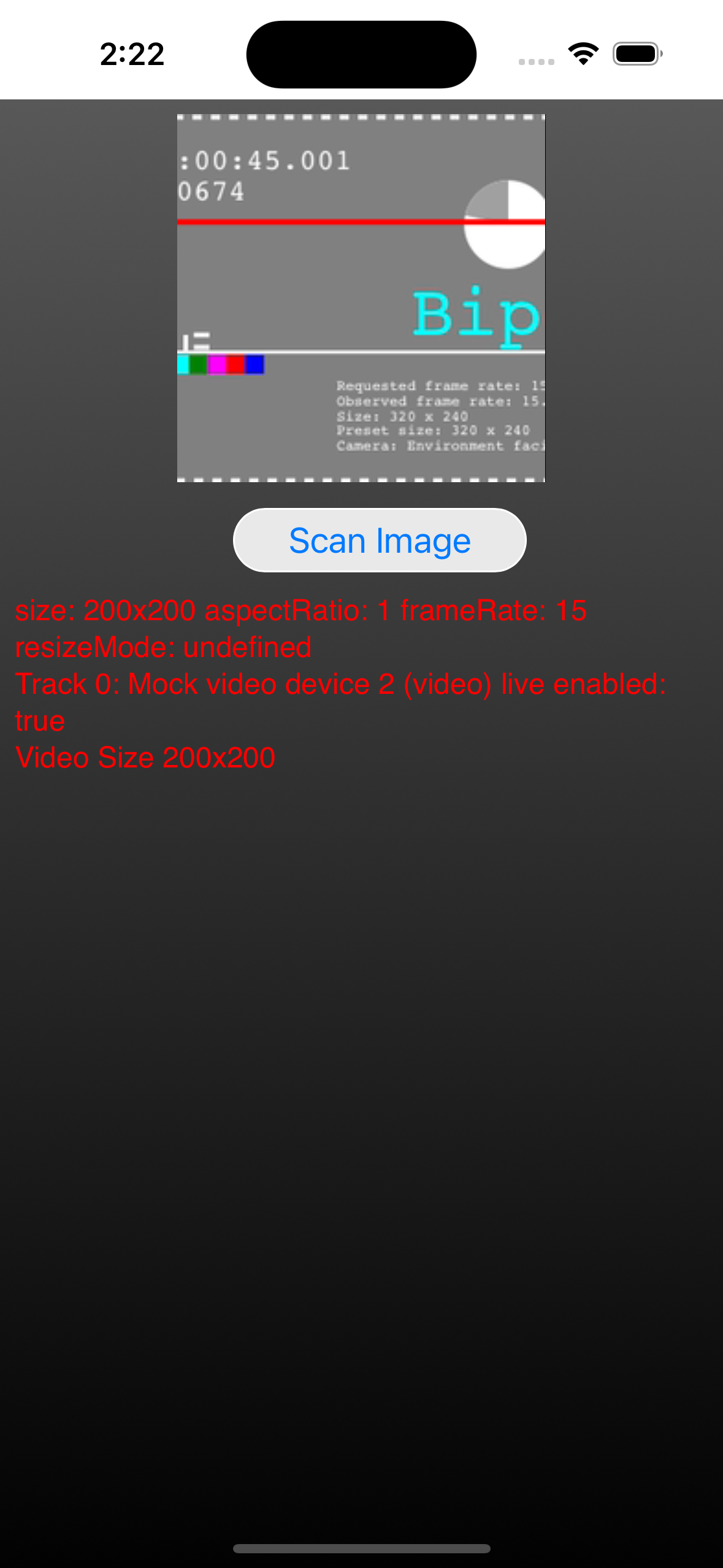
- I got the emulator running for iPhone. It accesses the camera without prompting.
- It looks like I need to find a usb cable to connect my iPhone to the MacBook for testing.
- App My Site: shows 404 pages instead of the website. Shows menu bars by default, but can be configured or removed. Unable to download iOS files to preview in xcode
- WebToApp – can get costly based on how many users use the app (69/month to 309/month). Offers the ability to request permissions for microphone, camera, and location. Unable to preview offline in android studio or iOS without paying.
- Appypie – Site seems to be broken once you “Save & Continue” it goes to 0.0.0.0.


Some services look fairly limited or buggy. They don’t expect web pages that make use of things that require the users permission. It looks like with whats available, the best web to application services simply run their own app as a shell with a web browser inside. I may be wrong, but I think that’s the gist of it. The apps take care of the camera, microphone, file access, and location services. Part of the problem is that you are beholden to the service to stay running and in-business. If a company goes defunct, then you’ll be left running around looking for another tool to convert your web app into a mobile app.
I may be able to just go ahead and run with the normal web app development and then focus on mobile apps once everything is up and running with paying players to support it. Perhaps mobile apps are not the way to go. Maybe a web app is good enough. Why build a native application if the web app already works? The only reason would be if a native app used features that the browser doesn’t already have access to. Perhaps another reason would be psychological. Having an app that went through the process of being approved on the app store would improve trust in the app.